
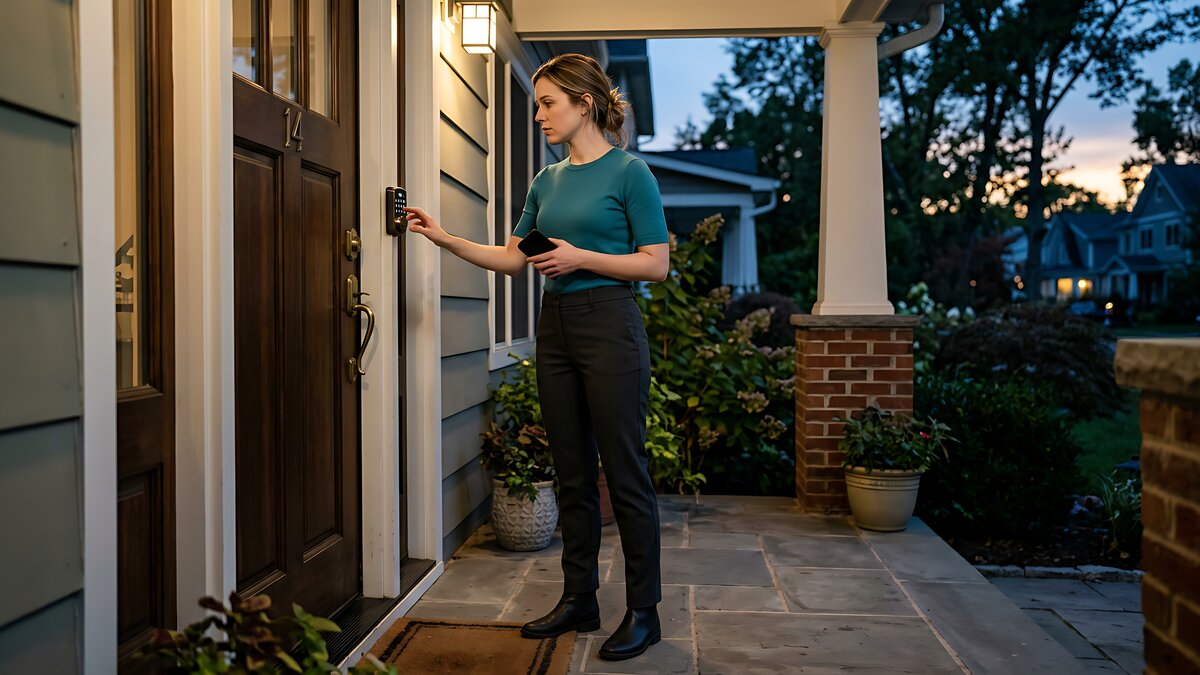
A smart lock can make a front door easier to manage, but it also changes what “getting in” means. You may be relying on batteries, a phone, an app account, Wi-Fi, Bluetooth, guest codes, or a physical key. Before you install one on the main door, map the backup plan first.
The Bottom Line
Do not buy a smart lock only because the app looks convenient. Buy it after confirming how you can enter when the phone is dead, the batteries are dead, Wi-Fi is down, or a guest code stops working.
Models differ sharply. Yale says keyed Assure Lock 2 models use a mechanical key backup, while some key-free Assure Lock 2 models use 9V battery terminals to power the keypad long enough to enter a code. August says its retrofit smart lock still lets you use the original physical key. support.shopyalehome.com · support.august.com
The Risks
Dead batteries can create a lockout risk
Many popular smart locks are battery powered, which can make installation easier but also creates a maintenance job. Schlage says its app can show battery status and send low-power notifications, and one Schlage Connect model lists 4 AA batteries, a low-battery indicator, and a backup physical key. That still depends on someone noticing the warning and replacing the batteries before the lock stops responding. schlage.com · schlage.com
The backup method should match your household. A keyed smart lock may be best if someone can carry or store a real key. A key-free lock may be fine if you are comfortable keeping the right emergency battery nearby and the outside terminals are easy to reach. Schlage sells keyless touchscreen models with a 9V jumpstart feature, while Kwikset says most of its smart locks retain a traditional keyway. Those are different backup philosophies, not minor spec details. schlage.com · kwikset.com
App, Wi-Fi, and guest access are not the same as entry
A smart lock can have several layers of access. The keypad may work locally. Bluetooth may work nearby. Remote locking may require Wi-Fi, a hub, a bridge, or a cloud connection. Guest access may depend on the owner’s account settings. August’s guest system can involve app invitations or Smart Keypad entry codes, depending on the setup. support.august.com · support.august.com
Kwikset describes user codes, scheduled access, history, and alerts, but also notes that compatibility depends on product line and model. That distinction matters for cleaners, relatives, pet sitters, short-term guests, and caregivers. A numeric code is usually easier to explain than an app invite. If you need temporary access often, look for a lock that lets you create, schedule, delete, and audit individual codes without making every visitor troubleshoot an app. kwikset.com
Security settings also become part of the door. The FTC advises owners of internet-connected home devices to change default usernames and passwords, use two-factor authentication when offered, update firmware and apps, and disable unused features. NIST recommends avoiding reused passwords, monitoring privacy settings, and enabling updates. consumer.ftc.gov · nist.gov
Rentals need a written access plan
A smart lock on a rental door is not only a gadget choice. It can affect access, keys, privacy, maintenance responsibility, and move-out expectations.
If you rent, check your lease and clear the hardware change with the landlord or property manager in writing before replacing the lock. Ask whether the original lock must be reinstalled when you leave. Clarify who keeps a physical key, who owns the app account, who receives entry logs, who can create or remove codes, and what happens if the account owner moves out. This is practical planning, not legal advice; local rules and leases vary. New York Attorney General guidance on unlawful evictions is one example of why access to a dwelling can become more than a convenience issue. ag.ny.gov
Red Flags / When to Walk Away
- The lock has no physical key, no reachable emergency-power option, and no second entrance.
- The guest system depends mainly on app invites, but your guests need simple keypad access.
- The product page does not clearly say what still works without Wi-Fi or remote service.
- The rental agreement or landlord has not approved changing the lock hardware.
- Only one person controls the app account, codes, battery alerts, and access history.
Pre-Purchase Checklist
- Confirm the backup entry method: physical key, 9V jumpstart, Bluetooth, keypad code, or another door.
- Read the manual for the exact model, not just the brand’s smart lock page.
- Check what happens when home Wi-Fi is down and when the manufacturer’s app is unavailable.
- Decide where a physical key or emergency battery will be kept.
- Test whether guest codes work without forcing every visitor to install an app.
- Turn on account protections such as unique passwords, two-factor authentication, and updates.
- For rentals, get written approval and document who controls keys, codes, logs, app ownership, and move-out restoration.
Takeaway
A smart lock is easiest to live with when the backup plan is boring. Pick the model whose fallback you can actually handle: a real key, a reachable emergency-power method, local keypad access, or another reliable entrance. A poor fit is a lock whose backup plan does not match how your household actually gets in.
Source Box
Primary sources used:
- Yale Support, Pre-Installation FAQ for Yale Assure Lock 2: https://support.shopyalehome.com/pre-installation-faqs-for-yale-assure-lock-2-B1z803ba9
- August Support, Can I Still Use a Physical Key to Operate My Door?: https://support.august.com/can-i-still-use-a-physical-key-to-operate-my-door–rJ625_haE
- August Support, August Wi-Fi Smart Lock FAQ: https://support.august.com/august-wi-fi-smart-lock-faq-rk6RzQ5YI
- August Support, What Are the Different Types of Guest Access?: https://support.august.com/types-of-guest-access-r1C1P810uM
- Schlage, 10 things you can do with the Schlage Home app: https://www.schlage.com/en/blog/product_updates/10-things-you-can-do-with-schlage-home-app.html
- Schlage, Schlage Connect Smart Deadbolt with Century Trim, Z-Wave Plus enabled: https://www.schlage.com/en/home/products/BE469ZPCENFFF.html
- Schlage, Schlage Touch Keyless Touchscreen Deadbolt with Camelot trim: https://www.schlage.com/en/home/products/BE375CAMFFF.html
- Kwikset, Smart Locks: https://www.kwikset.com/smart-locks
- FTC, Securing Your Internet-Connected Devices at Home: https://consumer.ftc.gov/articles/securing-your-internet-connected-devices-home
- NIST, 7 Tips to Keep Your Smart Home Safer and More Private: https://www.nist.gov/blogs/taking-measure/7-tips-keep-your-smart-home-safer-and-more-private-nist-cybersecurity
- New York State Attorney General, Unlawful evictions: https://ag.ny.gov/resources/government-organizations/law-enforcement-guidance/unlawful-evictions